I’ve recently re-built this blog using the static site generator, Hugo. This post is a few notes about the motivations and challenges behind that.

Why Wordpress had to go
I’ve maintained some sort of blog since 2007. I’ve mainly hosted it on Wordpress, but also switched to a custom blog engine for a few years there.
Editing experience
One reason I considered switching away from Wordpress was that it was becoming tedious to use it for the type of writing I do.
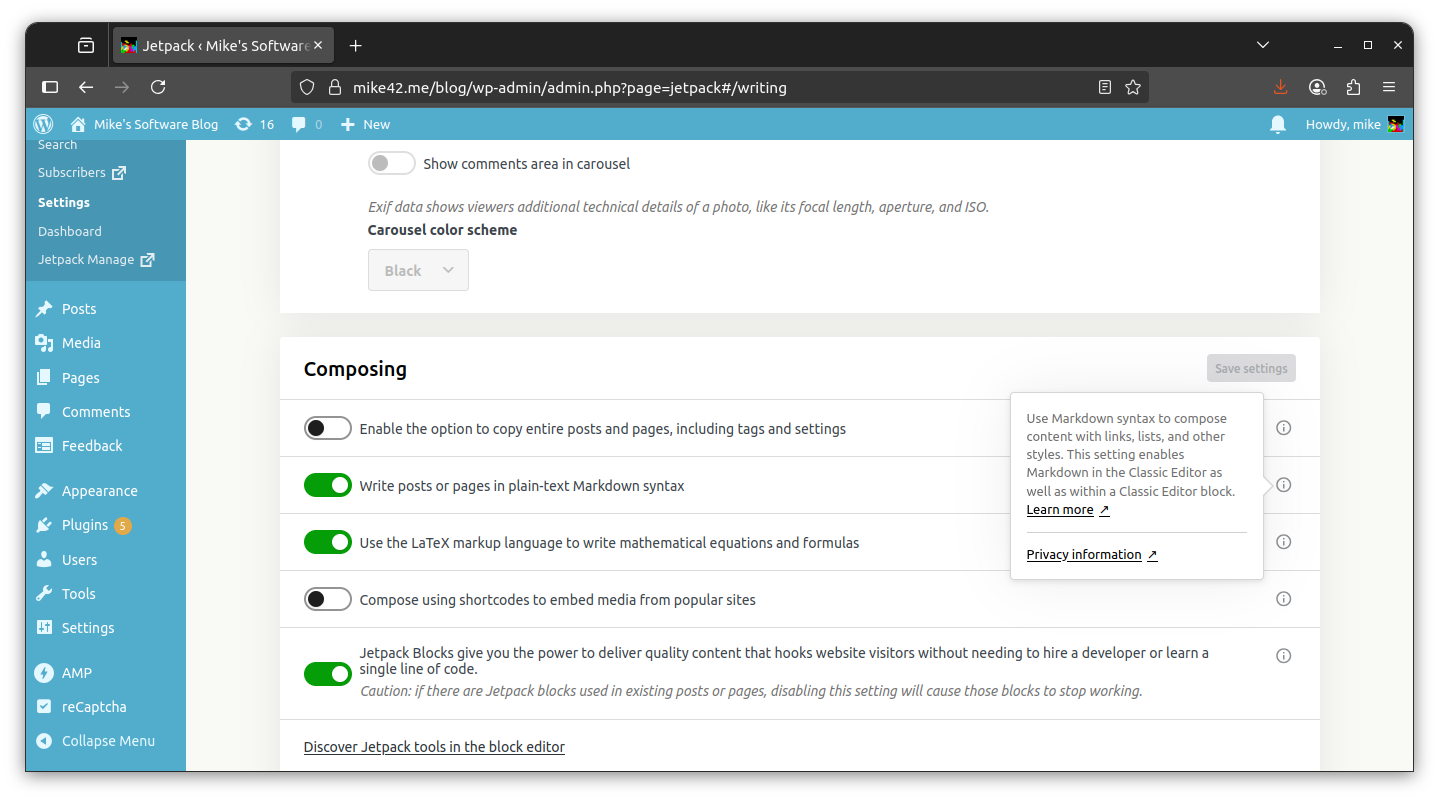
I usually post technical notes which I’ve written in markdown (typical example), and support for that has changed over the years. I’ve most recently been using Jetpack’s markdown support, but previously used a standalone Wordpress plugin for markdown support, and also had plenty of posts marked up in HTML directly.
I needed to re-do the theme because it was starting to show its age, but at this point, editing old content would randomly break things.

The AI elephant in the room
It was really the rise of AI crawlers that killed Wordpress for me. This website is a lean self-hosted setup with a few small apps - not just a blog - and the huge volume of crawler traffic was causing the mariadb database behind Wordpress to run out of memory.
The crawler behaviour I observed was positively unhinged, aside from showing no consideration for resource usage. For now the main change I am making will be to serve this blog entirely from static files, since it will improve resilience to traffic spikes in general.
I didn’t record specific data on the web crawler traffic in my case, but this HackerNews thread has some sysadmins who are experiencing similar issues.
Making the switch
I chose Hugo because, among widely-used static side generators, it has the strong differentiator of being runnable as a single binary file. It was not a perfect fit though, and I needed to customise a few things.
Preserving URLs
I am bringing across a back catalogue of posts, and I want to continue to serve pages from the same URLs as before.
Hugo adds a trailing slash on the end of URLs, which does not match my existing scheme, and this behaviour is frustratingly difficult to override.
I took inspiration from one of the many threads about this on the Hugo forums.
“Fortunately I did come up with a solution in the end by overriding rel and relref to trim the trailing slash for all URLs except for the ones I wanted to keep the / on.” - nickjanetakis on the Hugo forums
I decided to implement this tip by forking the theme I’m using, which in my case is CaiJimmy/hugo-theme-stack, and editing any part that produces links. There’s a bit more to it, but it is mostly a lot of changes like this:
diff --git a/themes/hugo-theme-stack/layouts/partials/article-list/tile.html b/themes/hugo-theme-stack/layouts/partials/article-list/tile.html
index be5744b..c8219fd 100644
--- a/themes/hugo-theme-stack/layouts/partials/article-list/tile.html
+++ b/themes/hugo-theme-stack/layouts/partials/article-list/tile.html
@@ -1,6 +1,6 @@
 {{ $image := partialCached "helper/image" (dict "Context" .context "Type" .Type) .context.RelPermalink .Type }}
 <article class="{{ if $image.exists }}has-image{{ end }}">
-    <a href="{{ .context.RelPermalink }}">
+    <a href="{{ .context.RelPermalink | strings.TrimSuffix "/" }}">

         {{ if $image.exists }}
             <div class="article-image">
I also found default templates in the Hugo source code for rendering RSS feeds and sitemaps, copied them into the theme, and made similar changes.
In my case I’m running Apache, and this is the first part of the .htaccess for my /blog/ directory, which configures it to serve pages without the trailing slash among other fixes.
# Send to Hugo 404 page
ErrorDocument 404 /blog/404.html

# Do not add slashes to dir names
DirectorySlash Off

# Use mod_rewrite to provide other redirects
RewriteEngine On
RewriteBase /blog/

# Redirect trailing-slash URLs to non-trailing-slash URL
RewriteCond %{REQUEST_FILENAME} -d
RewriteRule ^(.*)/$ $1 [R=301,L]

# Serve blog content when given dir name w/o trailing slash
RewriteCond %{REQUEST_FILENAME} -d
RewriteRule ^(.*)$ %{REQUEST_URI}/index.html [L]

# Redirect old AMP URL's back to where canonical page would be (note: we do not check here if the page actually exists)
RewriteCond %{REQUEST_URI} ^(.*)/amp$
RewriteRule ^(.*)/amp$ $1 [R=301]
Exporting the content
I needed to port approximately 200 blog posts to from a live Wordpress to Hugo.
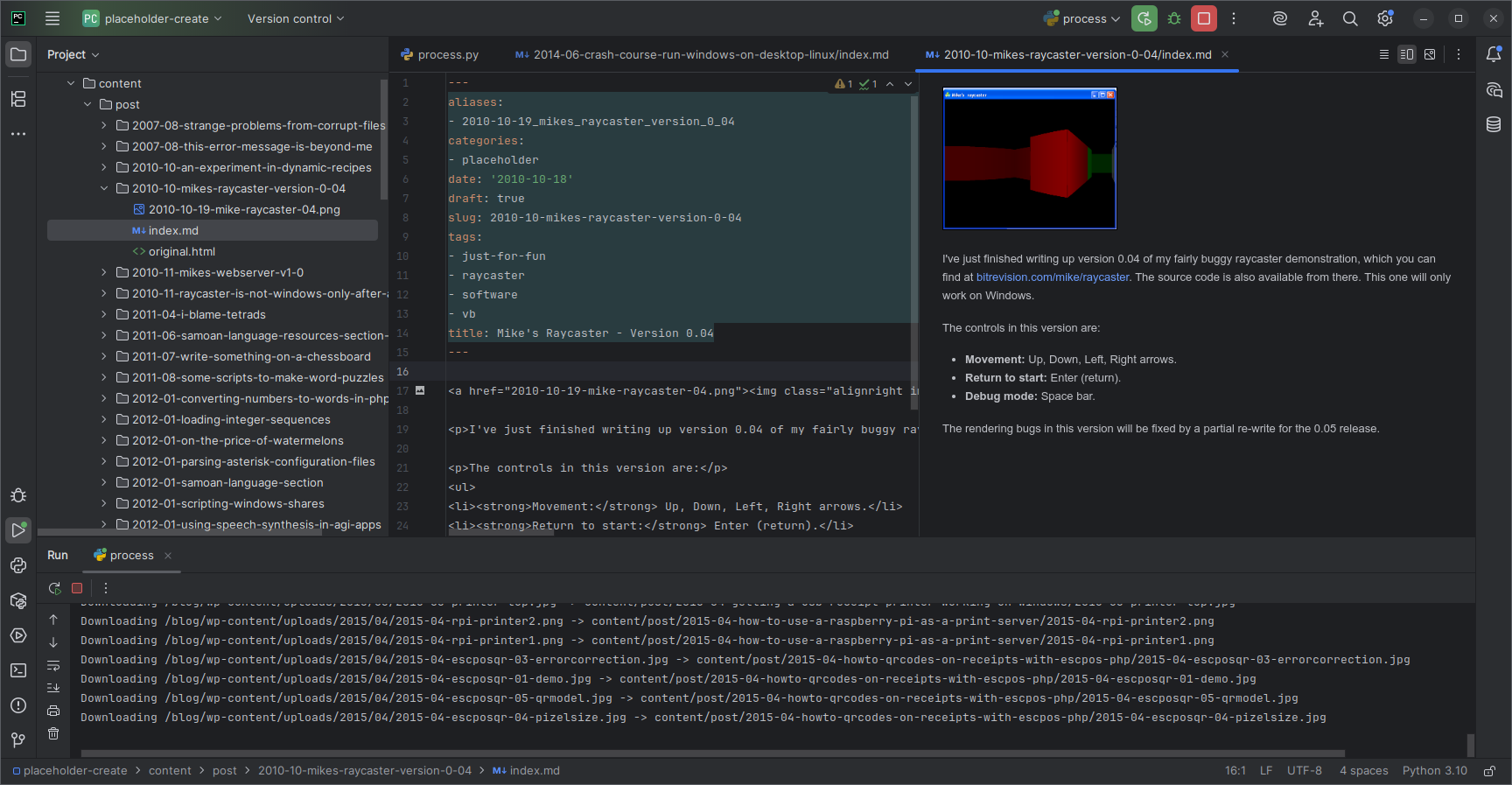
I saved every blog post to disk using Wordpress’s built-in export, which produces an extended RSS file containing HTML markup and metadata.
I combined this with the image site map, and with the help of some Python, was able to produce a directory for each post containing front matter, text and images.
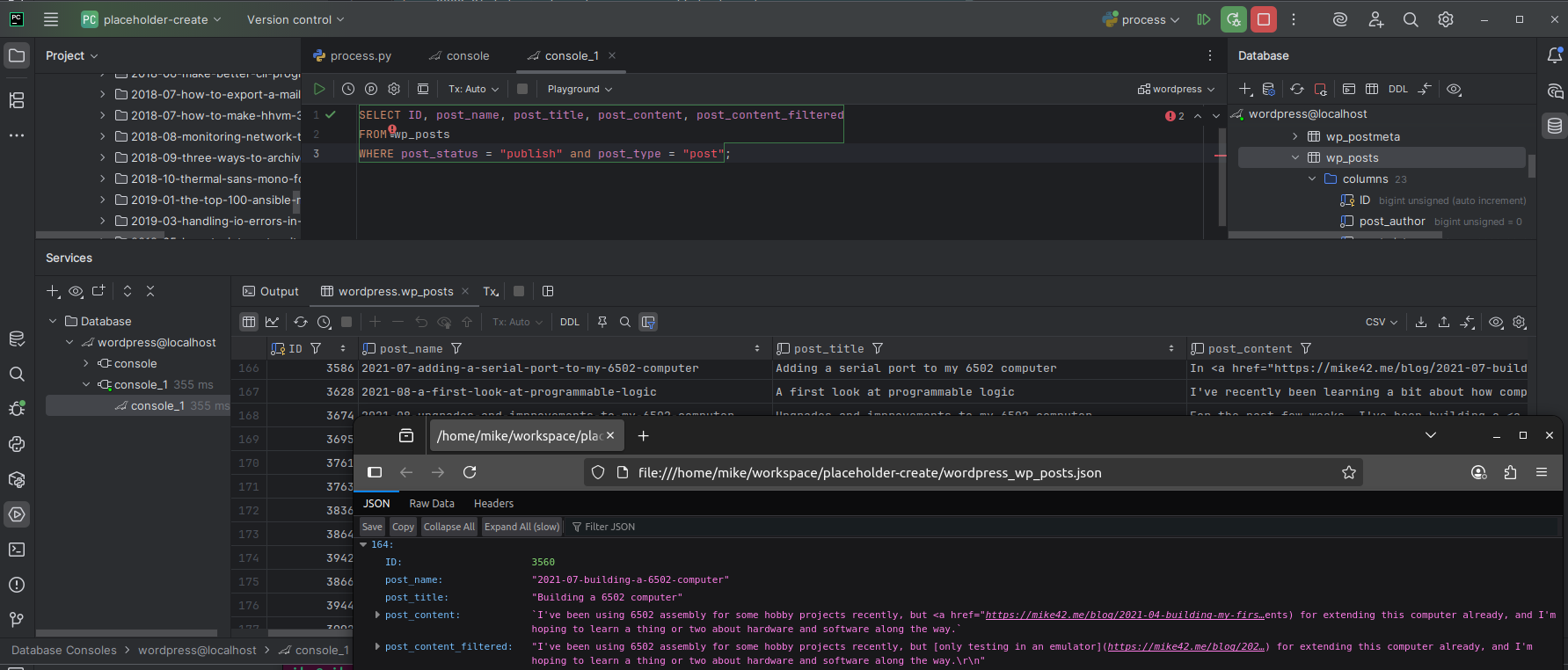
I then also made a Wordpress database dump, imported on my desktop, and dumped the wp_posts table to JSON. This gave me access to the markdown representation of the article where it exists, via the post_content_filtered column in this table.
The 80/20 rule
Most of the blog content was intelligible at this point, but I still needed to do a time-consuming walk through of each blog post to check and correct the markup, so that it would properly use the theme’s features.
Just some of the examples:
- Some blog posts place content in tabs, such as What is ESC/POS, and how do I use it?. I borrowed the tab implementation from the Geekdoc theme.
- Images and code blocks had been consistently included using HTML
<code>blocks before. I could mostly fix these with find/replace patterns. - Many blog posts were fully or partly written in HTML and needed to be converted to Markdown. Again this was mostly find/replace.
- Some blog posts used raw blobs of HTML which cannot be represented in markdown, such as Some scripts to make word puzzles. I added a shortcode for raw HTML, and spent some time updating these pages to work with light/dark theming.
Remaining issues
Dark mode and transparency
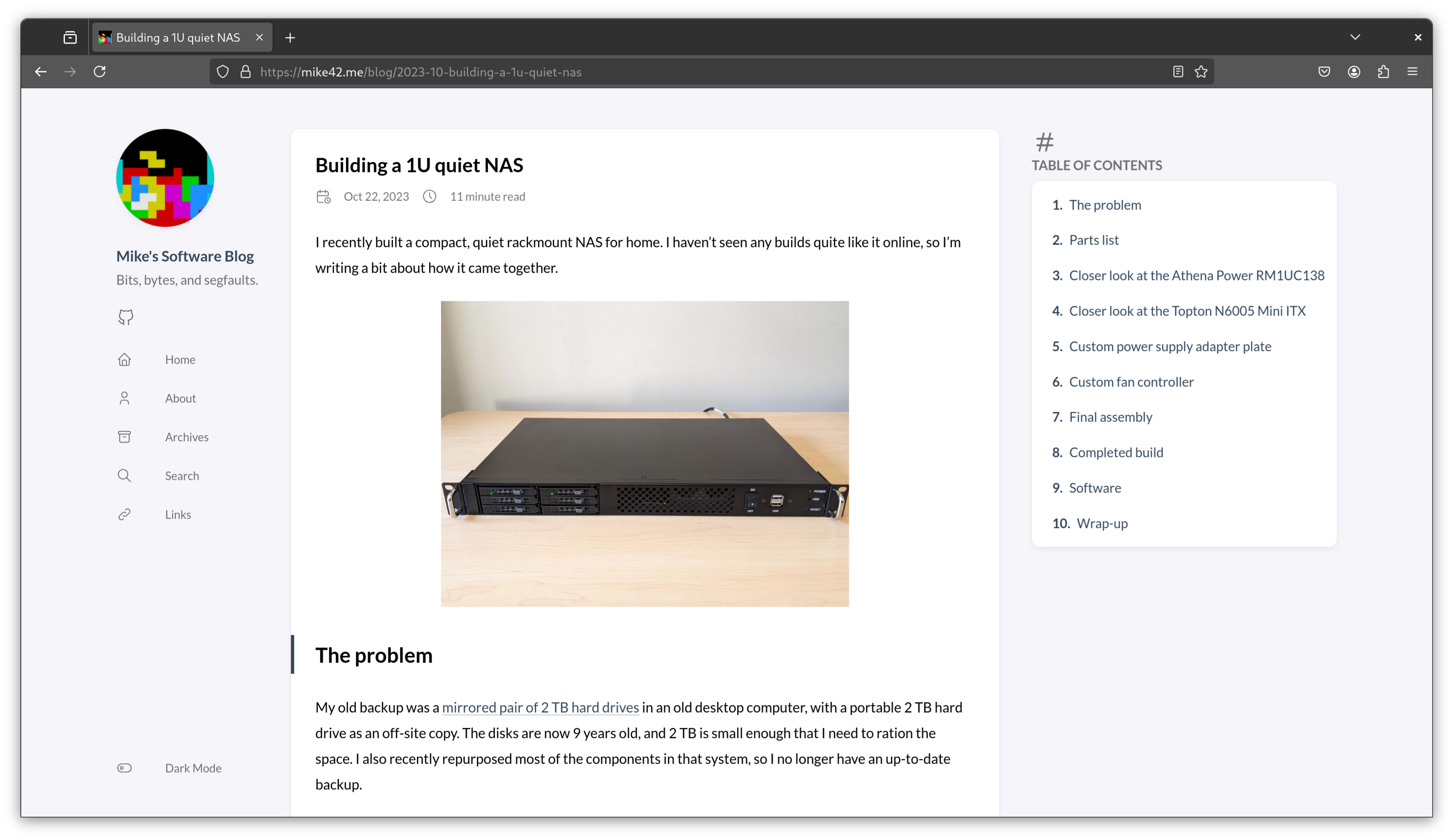
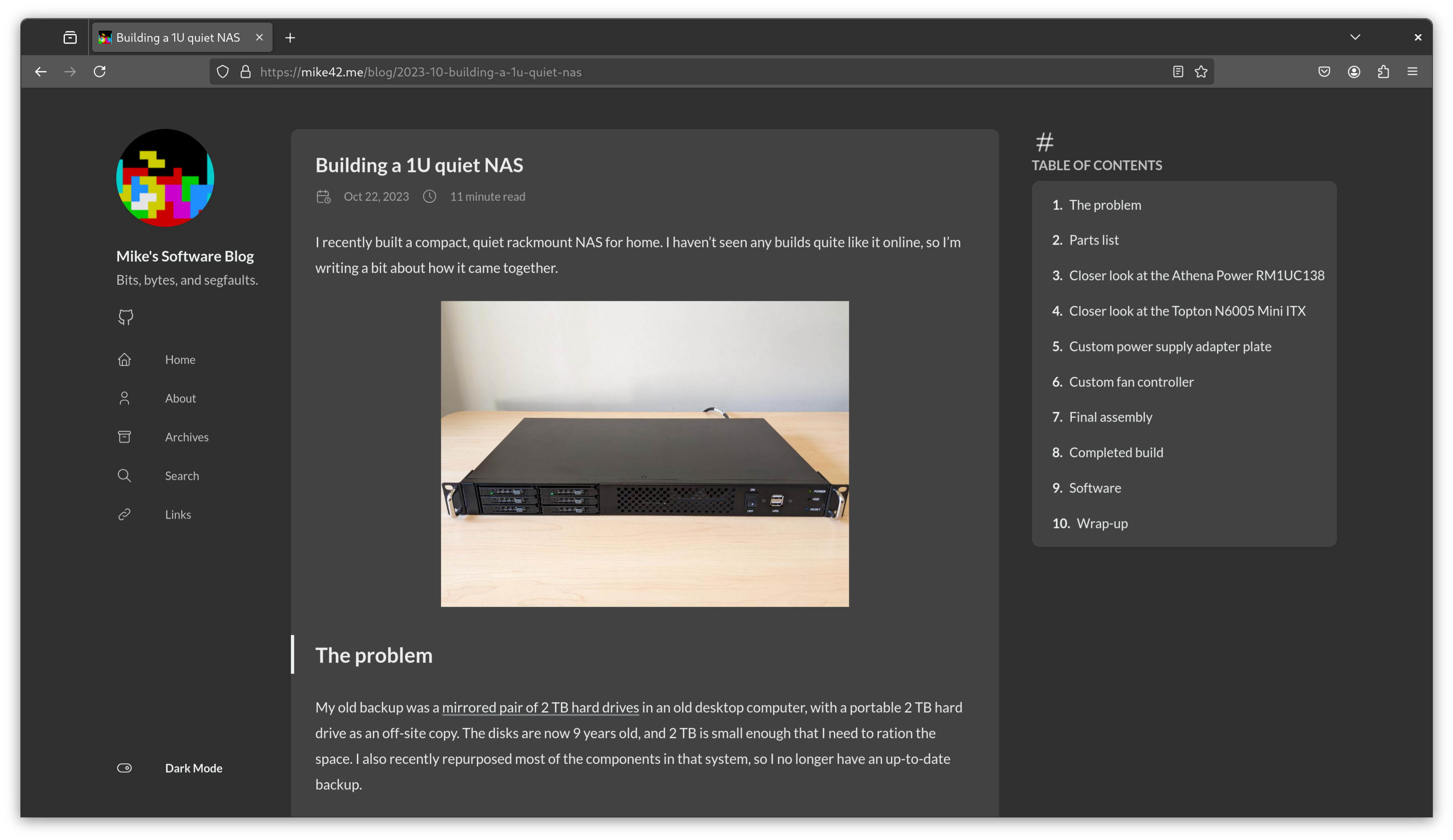
The new styling is an improvement, but there are graphics with transparent backgrounds in my existing content which are difficult to see in dark mode, or when opened up in the image gallery view.
An example would be the circuit diagram in the screen captures below.
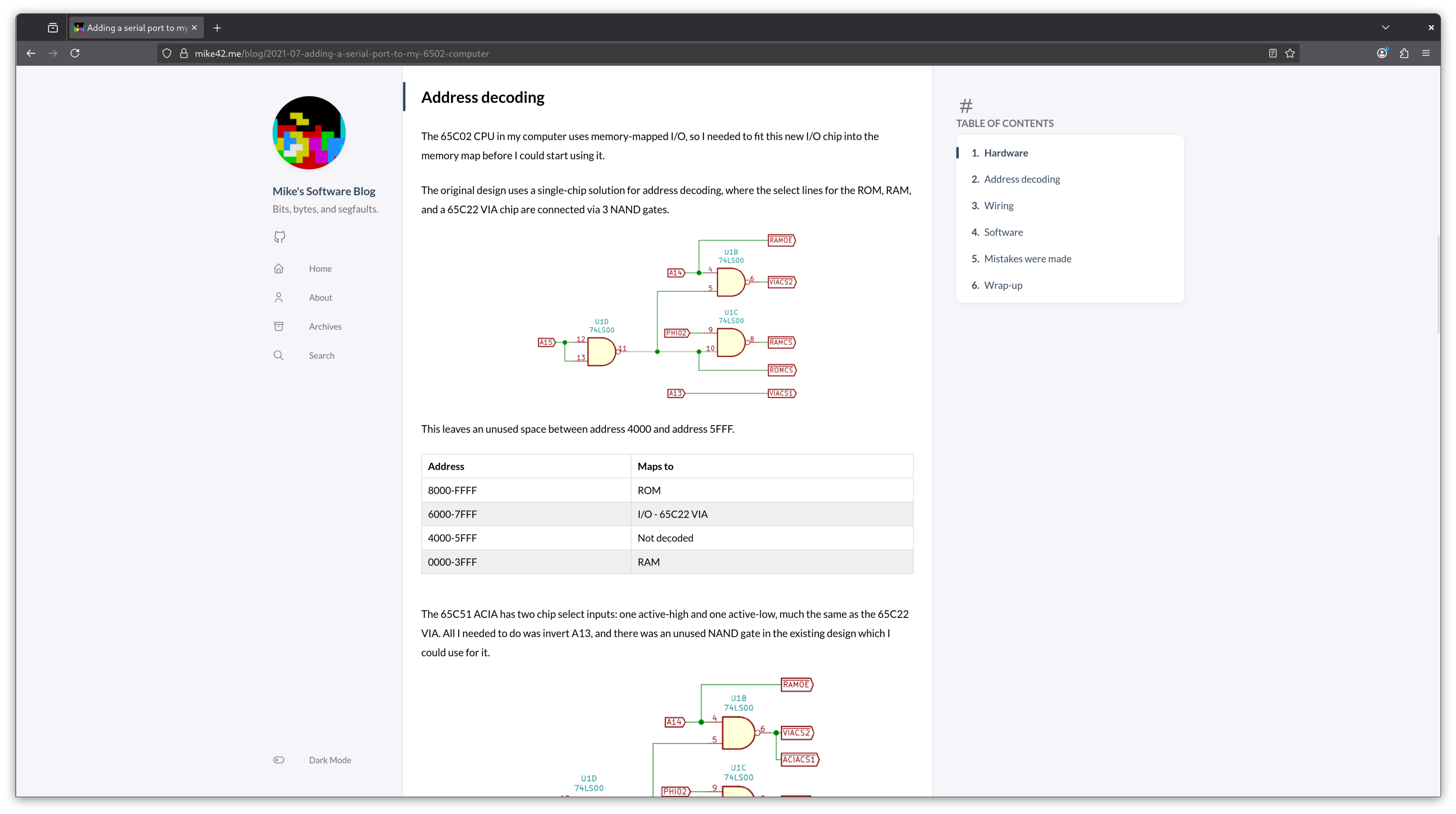
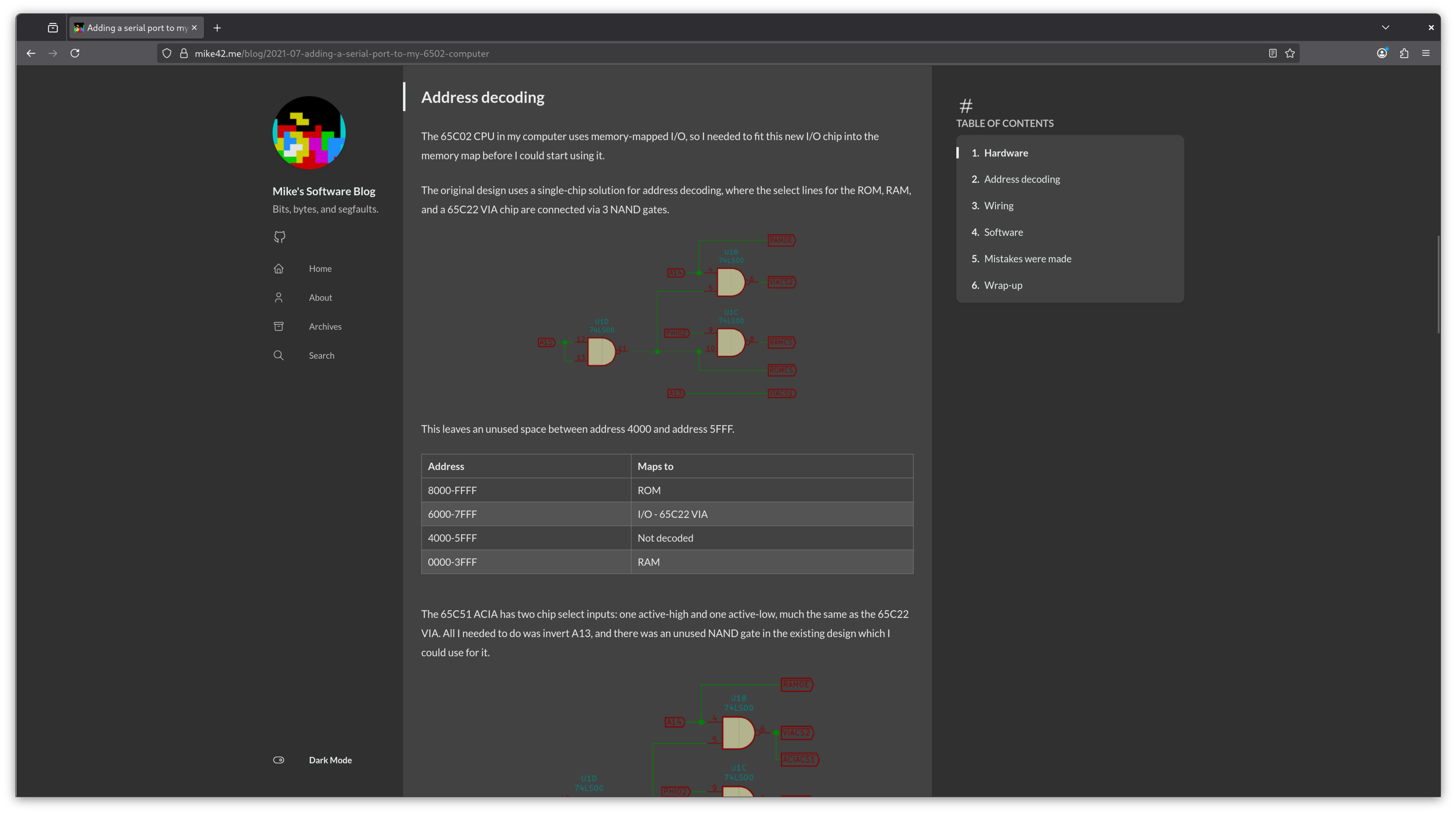
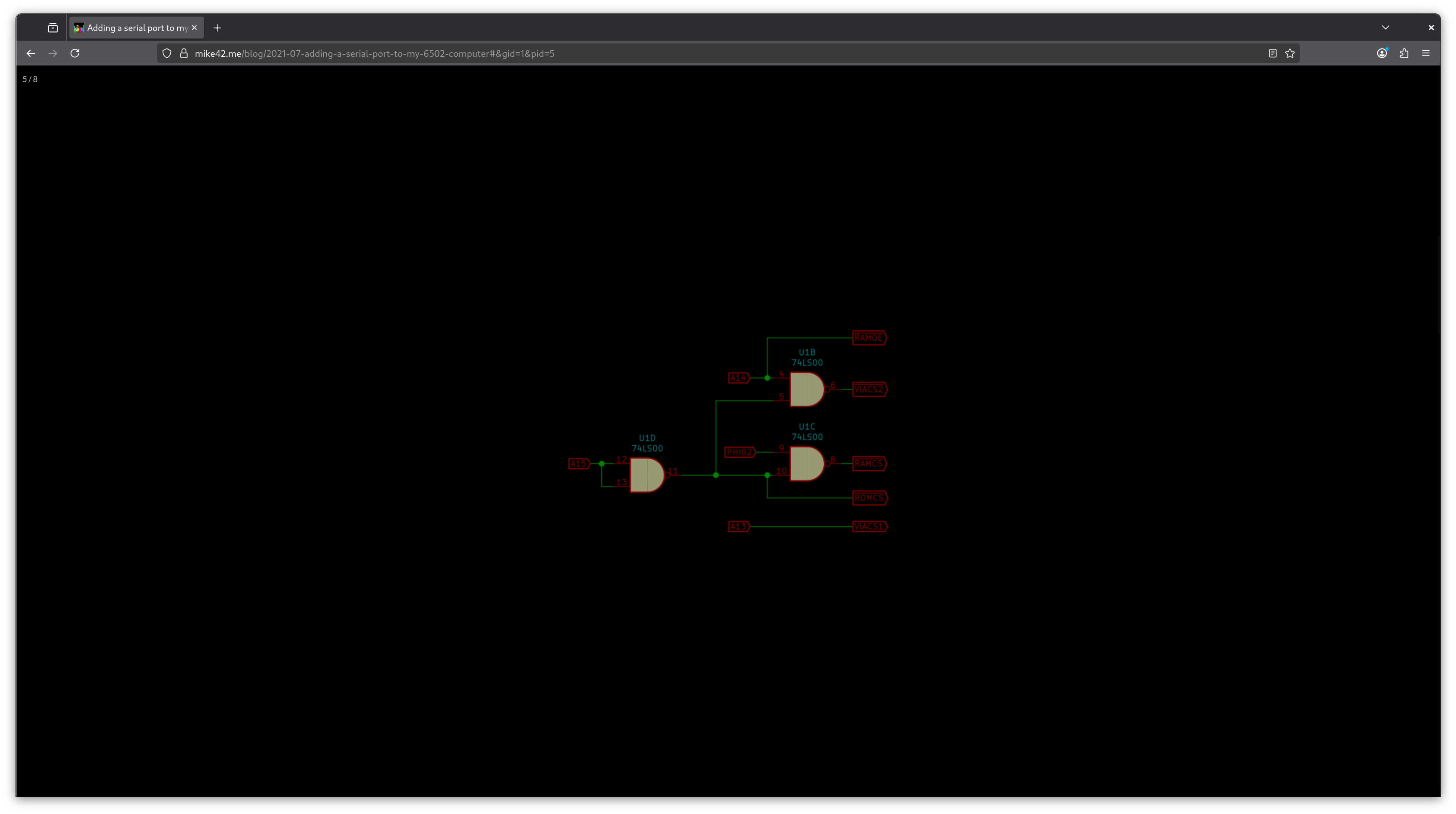
I’m rendering SVG files over a white background as a work-around - SVG files are not supported in the gallery plugin, but even this breaks in Firefox reader mode for example.
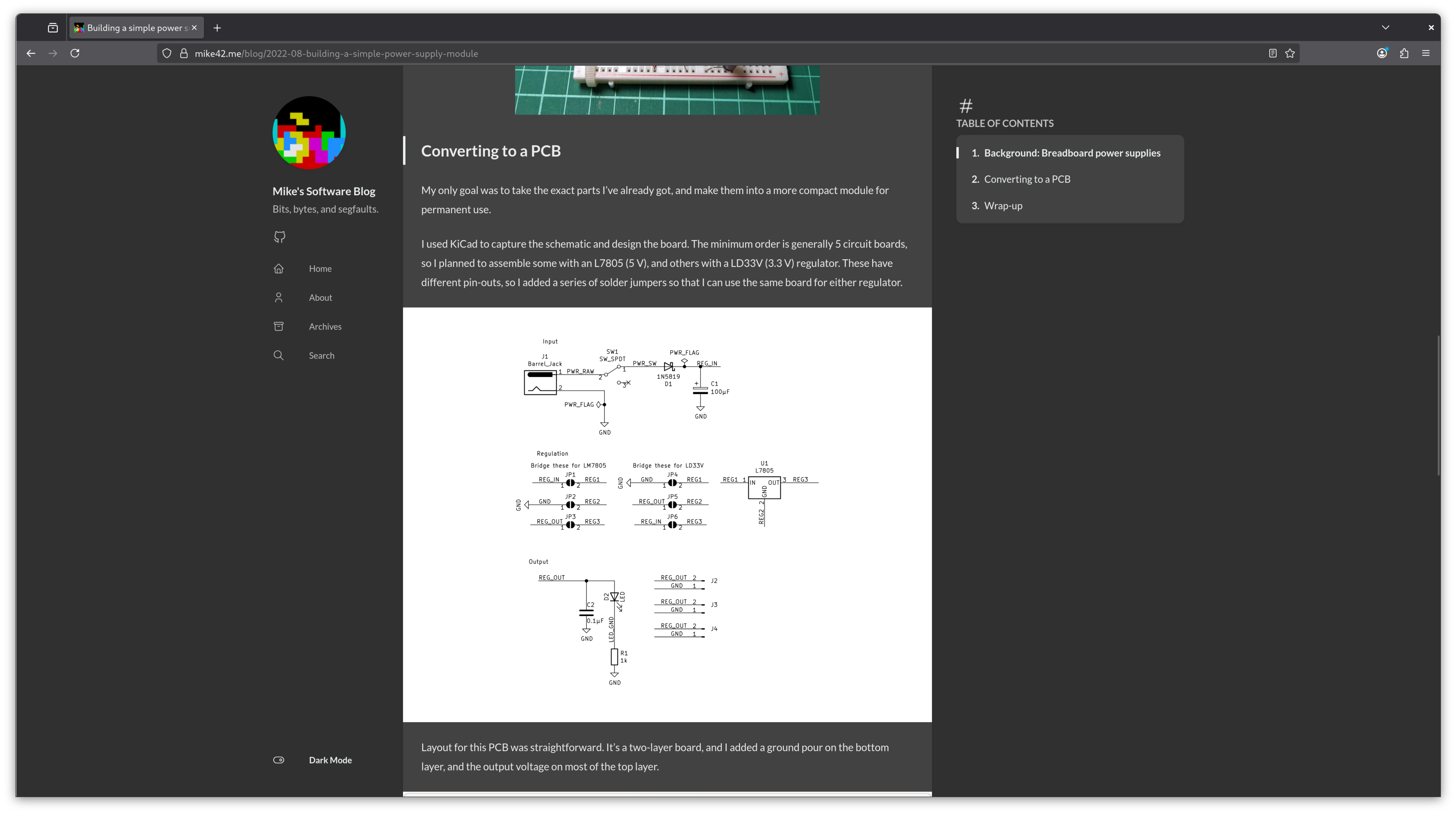
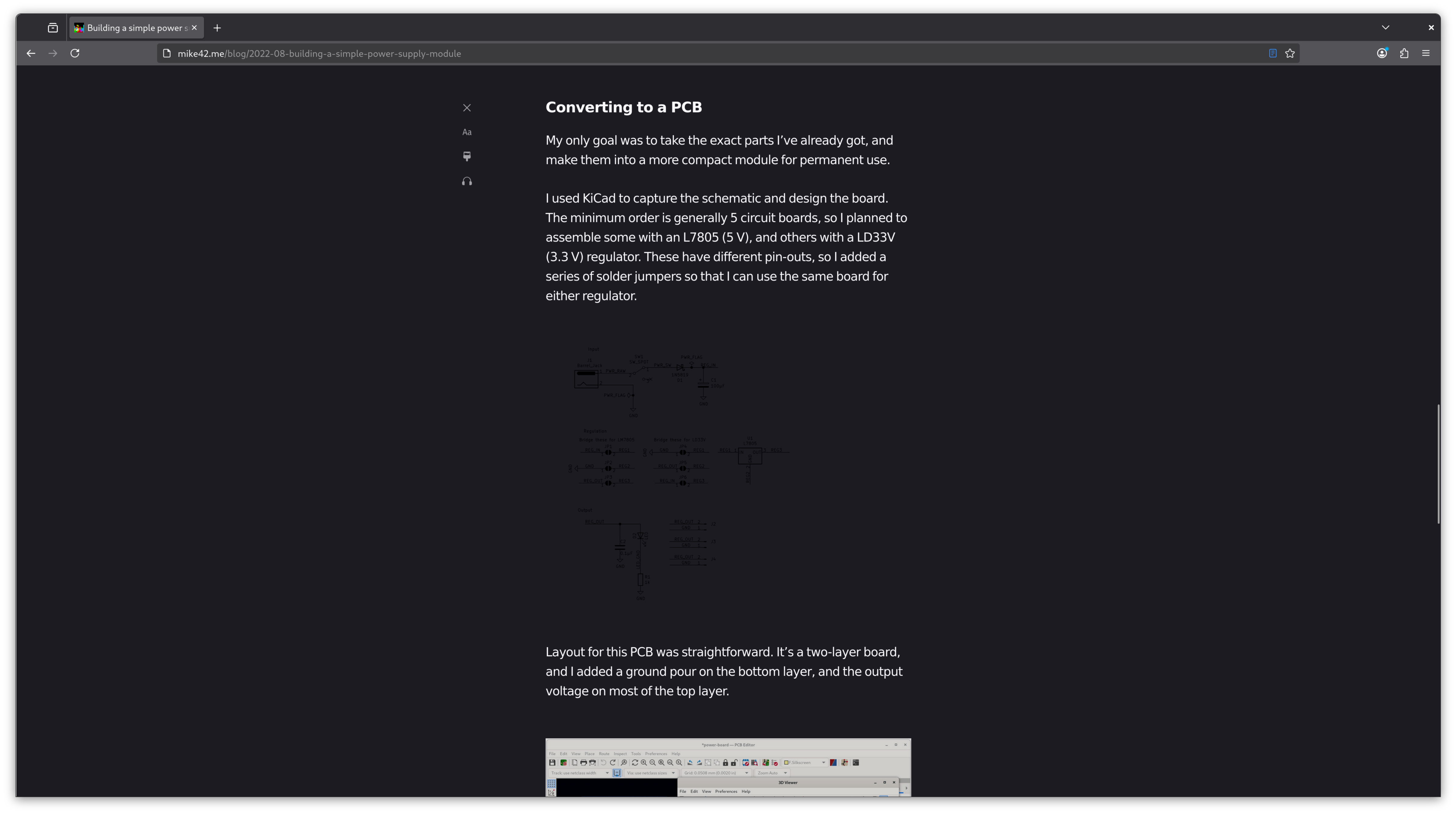
I plan to test a few possible solutions as I write new pages, and go back and fix posts where time allows.
Side note: Long ago a reader commented that my schematics were unreadable, and I’m only now realising that they could have been using AMP, a feed reader, an email client, or number of other alternative ways to access the blog which could have had this issue.
Comments
My blog allowed interactivity in the form of comments, but I made the difficult decision to remove this. I’ve saved old comments just in case, but don’t plan to re-publish them at this stage.
Static sites don’t directly support comments, but can embed a commenting widget from an external service.
I checked through a few of the available options, and couldn’t find any which made sense for this site when considering the trade-offs between user privacy, cost and moderation burden.
Subscribers
Another loss from the Wordpress ecosystem was the ability for users to subscribe to new posts, so that they receive a notification when they are published.
I exported my list of subscribers, so that I can send a one-off email to suggest migration if I ever set up an alternative system for receiving notifications.
Analytics
Wordpress also provided me with basic analytics. I didn’t use these extensively, but it was good to know which pages were popular.
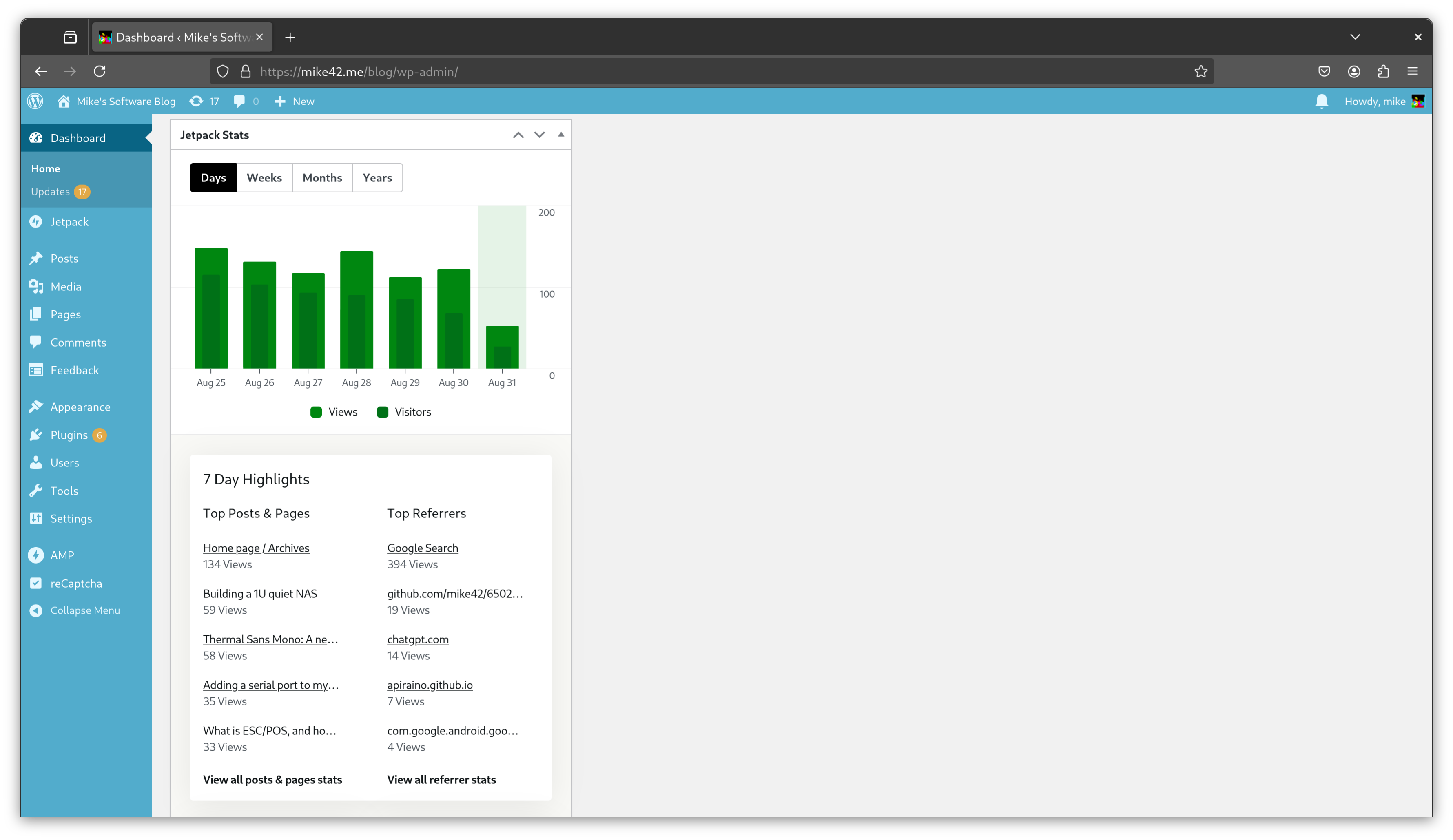
This is the most likely area where I’ll deploy something self-hosted.
Search
My theme ships with a basic client-side search function. This is good enough, but I have some ideas for how to improve/replace this if I ever have the time to work on it.
Wrap-up
Hugo had a more challenging out-of-the-box experience than I expected, with multiple editions, no reference theme, and a need to fork & edit the theme to achieve any customisation.
I still think it was the right move for this site, and Hugo’s rough edges are worth it for the benefit of having a self-contained tool to build the site. Comparable static site generators seem to all require a working Node, Ruby or Python setup, plus their associated package managers, which is too many moving parts for publishing the occasional blog post.
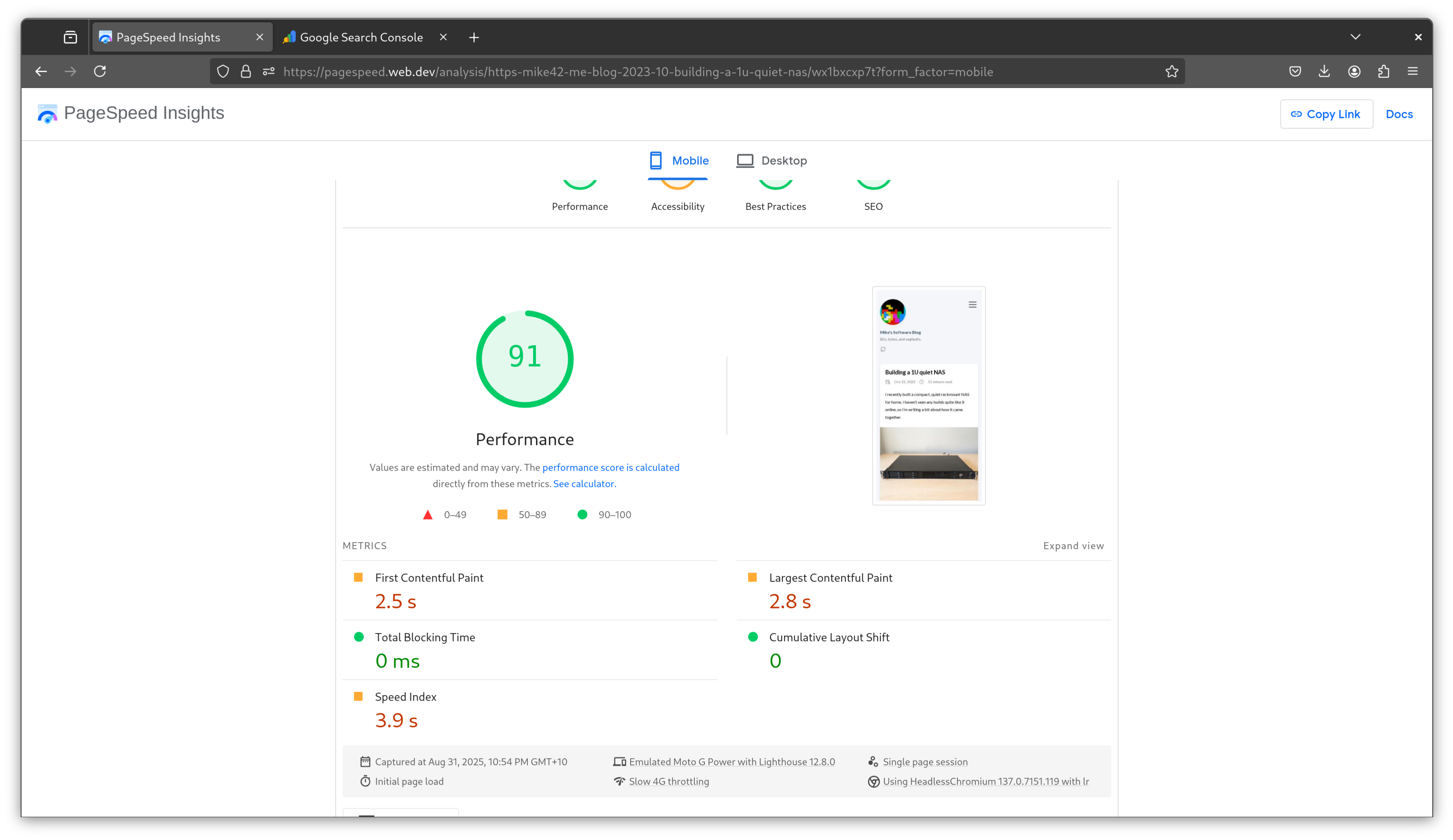
I checked Google’s pagespeed score on one of my blog posts before and after this change. Even though higher resolution images are now being used, it went up from 79 to 91.